Office Notes: A Clean Handwritten Font for Digital Planners
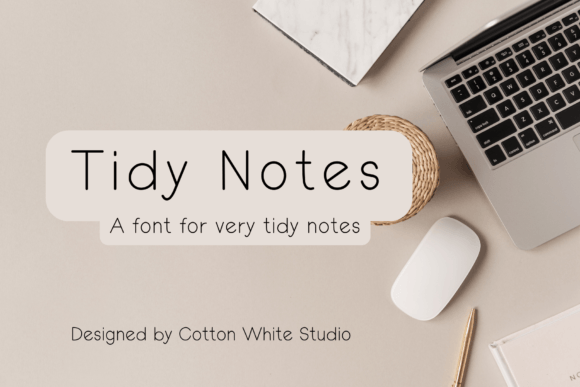
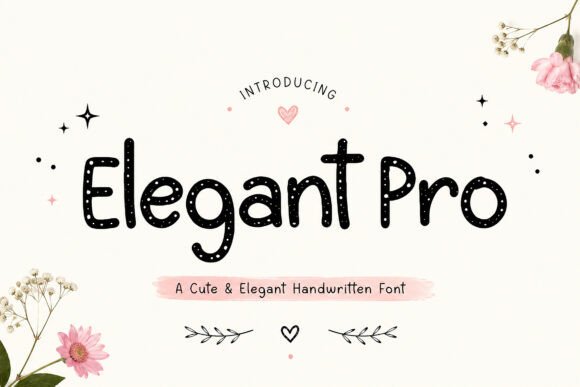
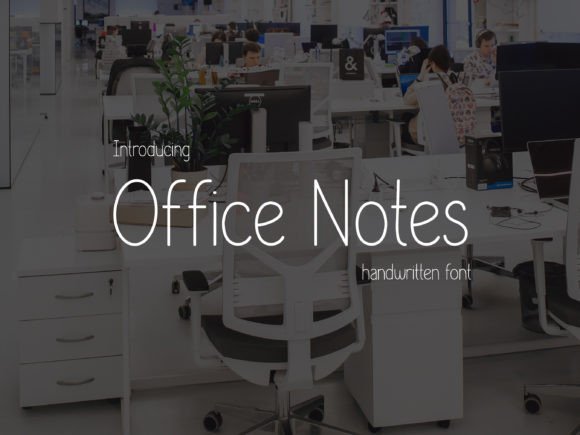
If you’ve ever tried to write naturally on a tablet or stylus-enabled device—only to find your notes looking stiff, uneven, or oddly pixelated—you’re not alone. Office Notes was designed to solve that exact problem. It’s a carefully crafted handwritten font with a light, consistent stroke weight and open letterforms that mimic the legibility of thoughtful pen-on-paper writing—without the smudges or scanning delays. Unlike many “handwritten” fonts that lean into exaggerated quirks or overly casual flourishes, Office Notes prioritizes clarity first. Its thin, even strokes render crisply at any size, making it ideal for digital journaling, planner templates, note-taking apps, and personalized PDF worksheets.
Why Legibility Matters More Than You Think
Legibility isn’t just about reading speed—it’s about cognitive ease. When your eyes don’t have to work hard to decode letters, your brain stays focused on ideas, not interpretation. That’s why Office Notes feels intuitive across devices: whether you're reviewing a meeting summary on a 13-inch laptop screen or tapping quick reminders on an iPad mini, the spacing, x-height, and stroke contrast remain balanced and predictable. No sudden jumps in weight. No ambiguous characters like “l”, “1”, or “I” competing for attention. Just clean, functional handwriting—digitally native.
Different Needs, Different Priorities
What makes Office Notes valuable depends heavily on who’s using it—and how.
For Beginners and Casual Users
If you’re new to digital journaling—or just trying out a stylus for the first time—Office Notes lowers the barrier to entry. You don’t need calligraphy training or fine motor precision to get readable results. Its gentle curves and generous spacing forgive small inconsistencies in pressure or angle. Try it in GoodNotes or Notability with a basic Apple Pencil: type a daily to-do list, then handwrite next to each item using Office Notes as your default ink font. Instantly, your notes feel personal but polished—not like a draft waiting to be cleaned up.
For Educators and Trainers
Teachers building editable PDF handouts or interactive lesson plans often need fonts that support both readability and annotation flexibility. Office Notes works well for student-facing materials where handwritten-style instructions (“Circle the main idea”, “Draw a quick sketch here”) feel inviting—not intimidating. Because it’s a true OpenType font, it supports standard keyboard input, so educators can type comments directly into slides or LMS platforms without switching tools. One high school science teacher uses it for lab worksheet headers; students then annotate the same file digitally, keeping everything in one consistent visual language.
For Creators and Designers
Designers building Notion templates, Canva planners, or printable journal kits value typographic control. Office Notes includes stylistic alternates (like a simplified “a” or connected “f-l” ligature) and supports variable weight adjustments in compatible software—so you can subtly darken headings while keeping body text airy. Its neutral tone avoids clashing with bold color palettes or minimalist layouts. A freelance illustrator uses it exclusively for client-facing mood boards: handwritten captions feel warm and human, but never distract from the visuals.
For Professionals and Remote Teams
In fast-moving workflows—think sprint retrospectives, client feedback docs, or internal knowledge bases—clarity trumps charm. Office Notes doesn’t pretend to be “artsy.” It’s dependable. That reliability matters when you’re sharing annotated PDFs with stakeholders who may view them on phones, tablets, or legacy PDF readers. No rendering surprises. No missing glyphs. One project manager told us she switched from a popular script font to Office Notes after three clients asked, “Is this supposed to say ‘Q3’ or ‘Q8’?”—a question that vanished once she standardized on Office Notes’ unambiguous numerals.
For Small Business Owners and Marketers
When branding consistency extends to internal tools—like custom CRM notes fields or client onboarding checklists—font choice quietly reinforces professionalism. Office Notes strikes a balance: friendly enough for customer-facing templates (“Welcome! Here’s how we’ll work together”), yet structured enough to signal competence. It also scales cleanly in email signatures, slide decks, and social media graphics—no need for separate image assets just to preserve handwriting aesthetics. A boutique marketing agency uses it across all their client-facing Notion workspaces, so every shared doc feels cohesive, even when typed by different team members.
What Office Notes Isn’t—And Why That Helps
It’s not a decorative display font. You won’t see it headlining a poster or dominating a logo. It’s not built for dramatic contrast or personality-first expression. And it doesn’t include hundreds of swashes or alternate characters—just the essentials needed for clear, functional handwriting in digital spaces.
That restraint is intentional. Too many “handwritten” fonts sacrifice utility for flair: inconsistent baseline alignment, overly tight kerning, or stroke weights that vanish at small sizes. Office Notes avoids those pitfalls by focusing on what actually supports daily use—not what looks impressive in a font showcase.
Fitting It Into Your Workflow
Installation is straightforward: download the OTF or TTF file, install it system-wide (Mac or Windows), then select it in any app that supports custom fonts—GoodNotes, Obsidian, Adobe Acrobat, Microsoft Word, or even browser-based editors like Coda or ClickUp. No subscription. No cloud dependency. Once installed, it behaves like any other system font: scalable, copy-pasteable, and fully searchable in PDF exports.
For those evaluating fonts for long-term use, consider these practical checkpoints:
- Ease of use: Does it work immediately in your go-to note app—or does it require workarounds?
- Reliability: Do numbers, punctuation, and accented characters render correctly across devices?
- Flexibility: Can you adjust size, spacing, and weight without losing legibility?
- Long-term fit: Will it still feel appropriate six months from now—or does it risk feeling dated or overly trendy?
If your goal is to make digital notes feel more human—not less precise—Office Notes meets that need without compromise. It won’t replace deep thinking or careful planning. But it does remove one small friction point between intention and execution: the quiet confidence that what you write will be seen, understood, and remembered—exactly as you meant it.